
"Cubilia a nisi blandit sem cras nec
temport adipiscing rku ullamcorper ligula."
JOHN DOE / CEO Elessi
$98.20
Note:
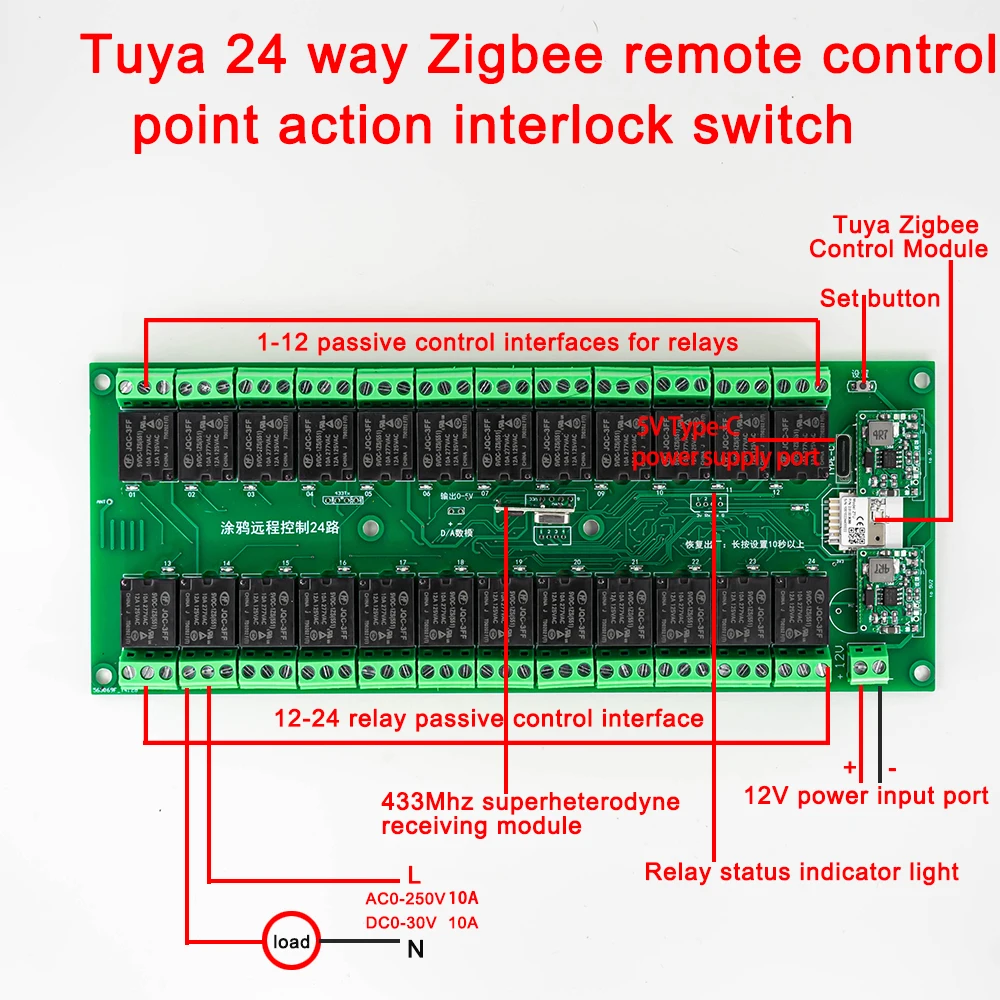
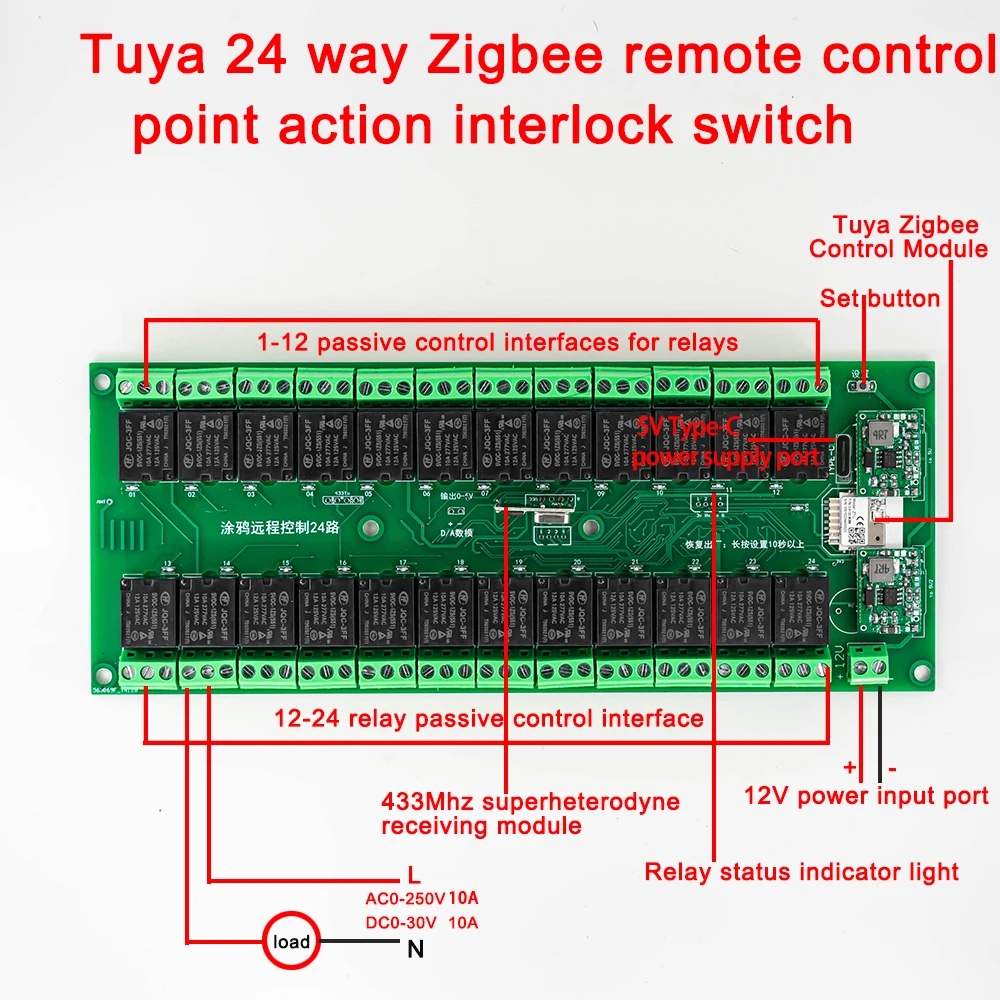
If you don’t have a Zigbee gateway,please choose wifi version!
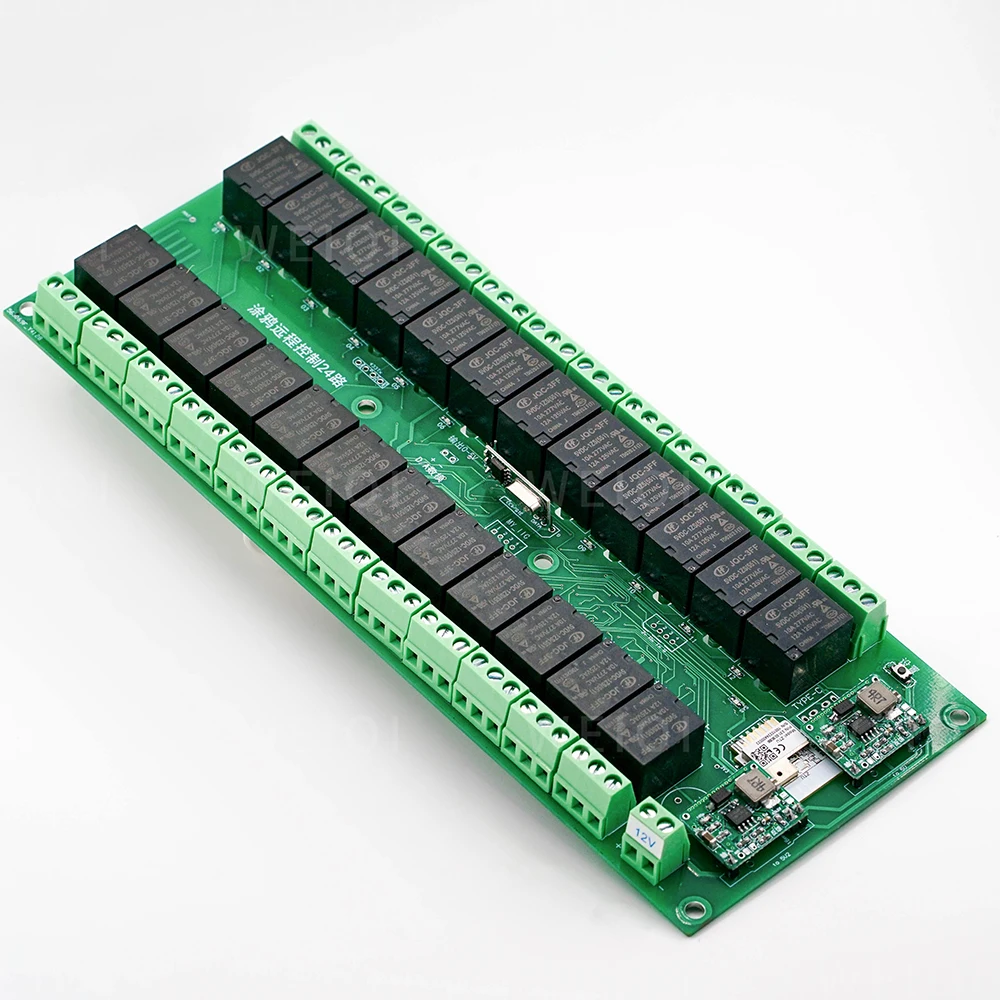
Zigbee version is fully applicable to Tuya zigbee gateway. Other third-party zigbee gateways (zigbee2mqtt) may not be able to control all 24 channels due to network chip compatibility issues (only 8-10 channels of relays can be controlled). If there is a need to control 24 channels of other zigbee gateways, it is recommended to purchase 8-channel relays module.
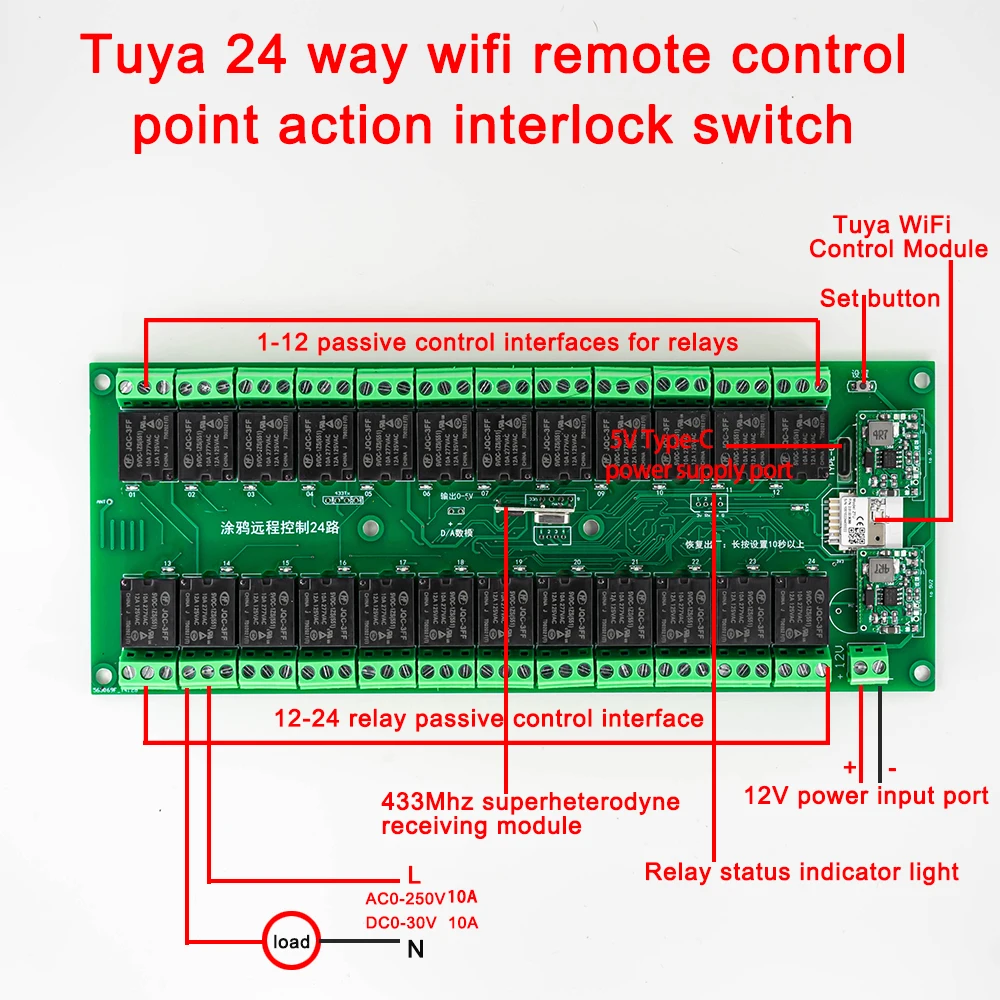
[wifi remote] (basic function)
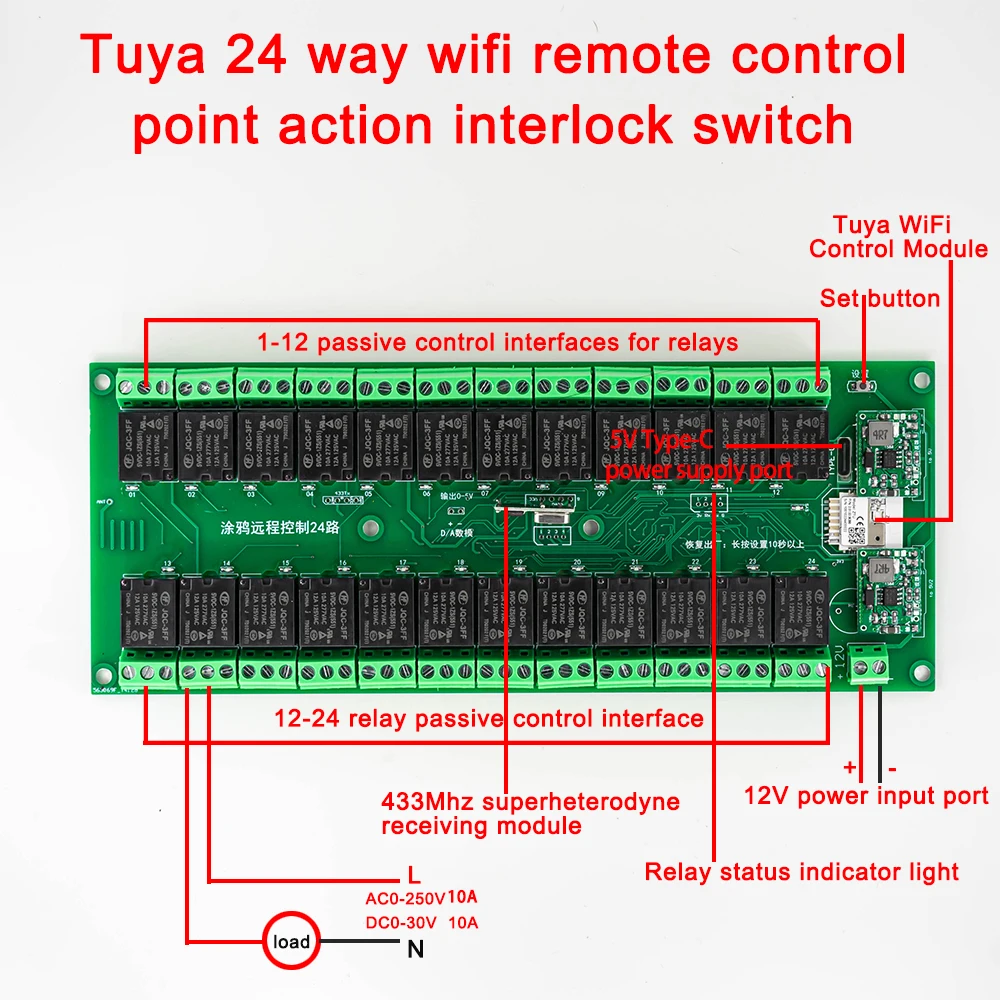
Download “Tuya Smart” from the software market, install and register, power off the module and restart it, open the APP, and click the + sign in the upper right corner to add devices.
【Remote control】Only supported if you have purchased a remote control) (If there is a flash that does not meet the steps during the operation, please turn off the power and try again),
Note: Power off and restart, wait for the indicator light to finish flashing before operating.
Action explanation: self-locking (press once to open, press again to close)
Action explanation: jog (click and turn on and off automatically after about 0.5 seconds),
Action explanation: Press the lock (press and hold it, release it and close it)
Action explanation: only open (this key can only be opened, cannot be closed)
Action explanation: only close (this key can only be closed, not open)
Action explanation: interlock (this function needs to be set on the APP)
Action explanation: Timing (this function needs to be set on the APP)
Action explanation: delay (this function needs to be set on the APP)
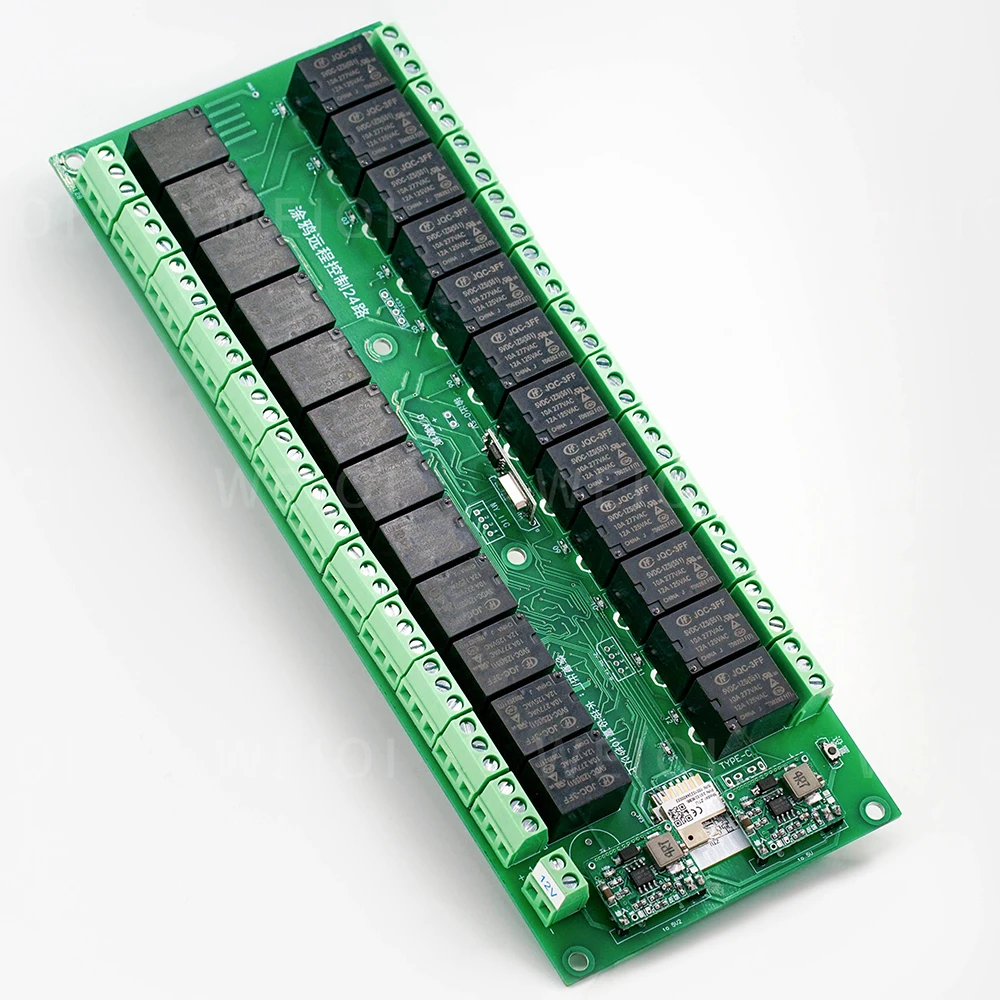
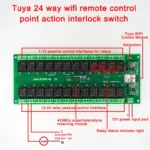
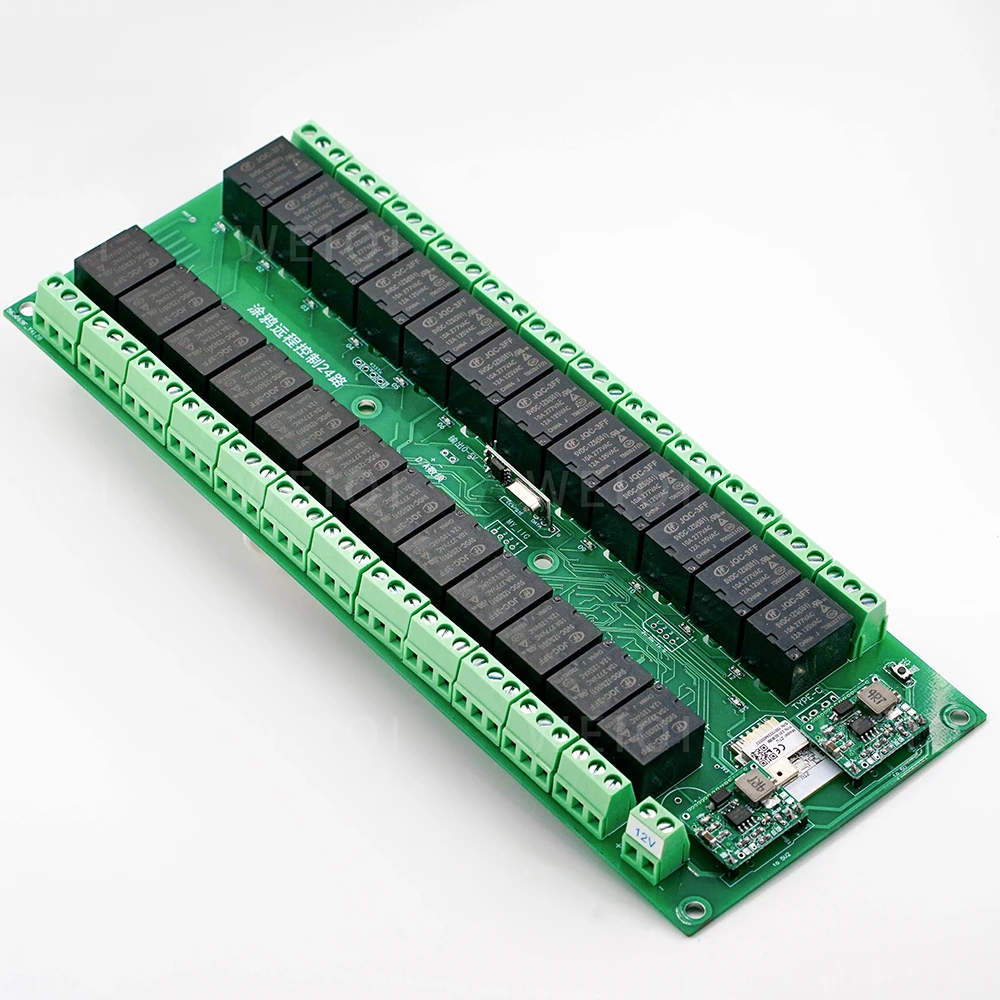
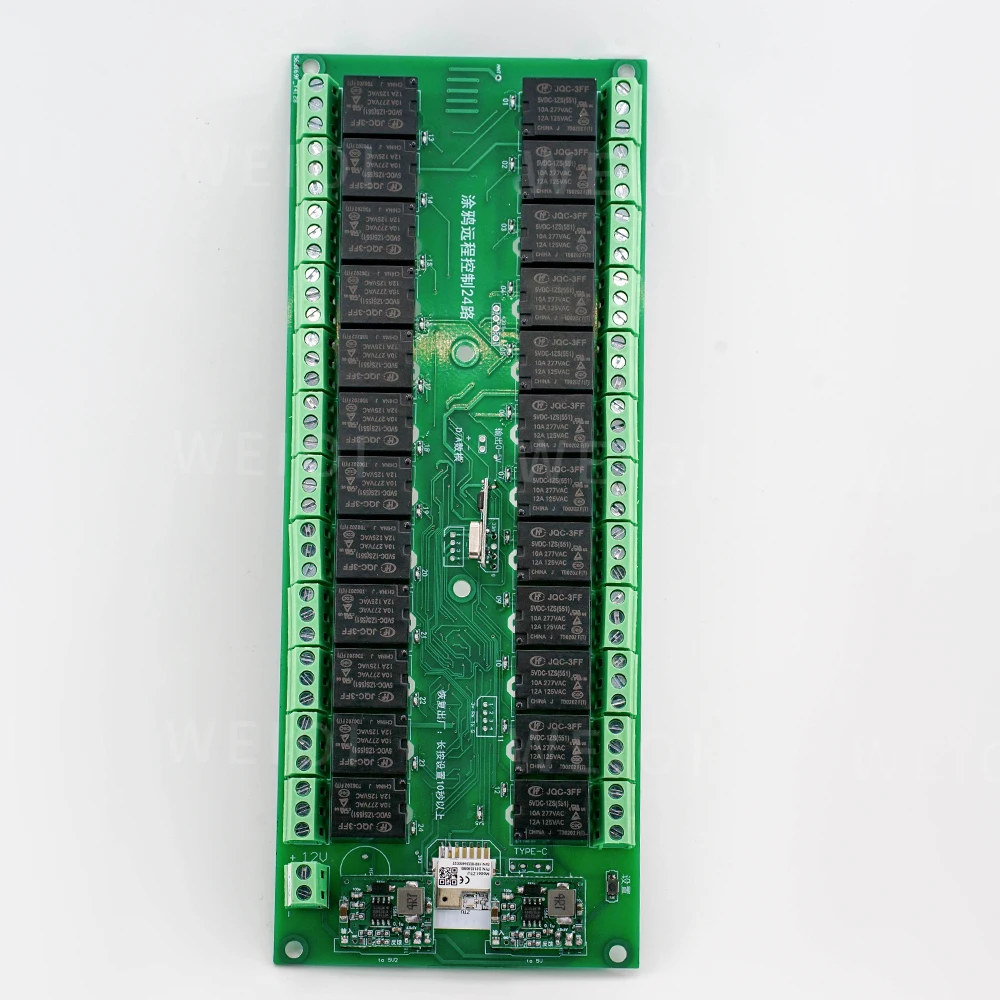
Module power supply:
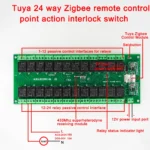
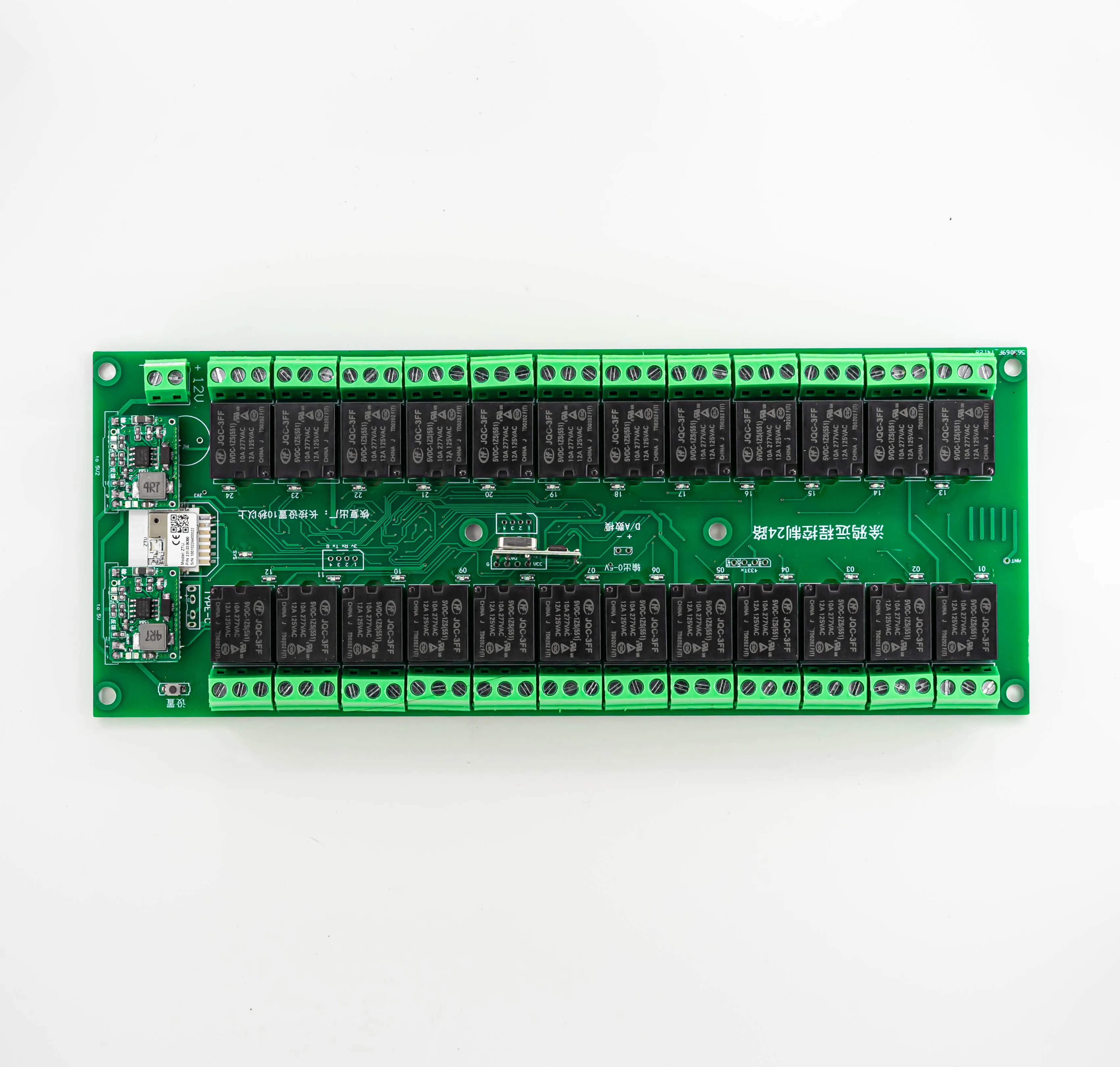
1. Support 12V power supply.
2. Support type-C interface power supply, it is recommended to supply power with a power supply above 5V 2A.
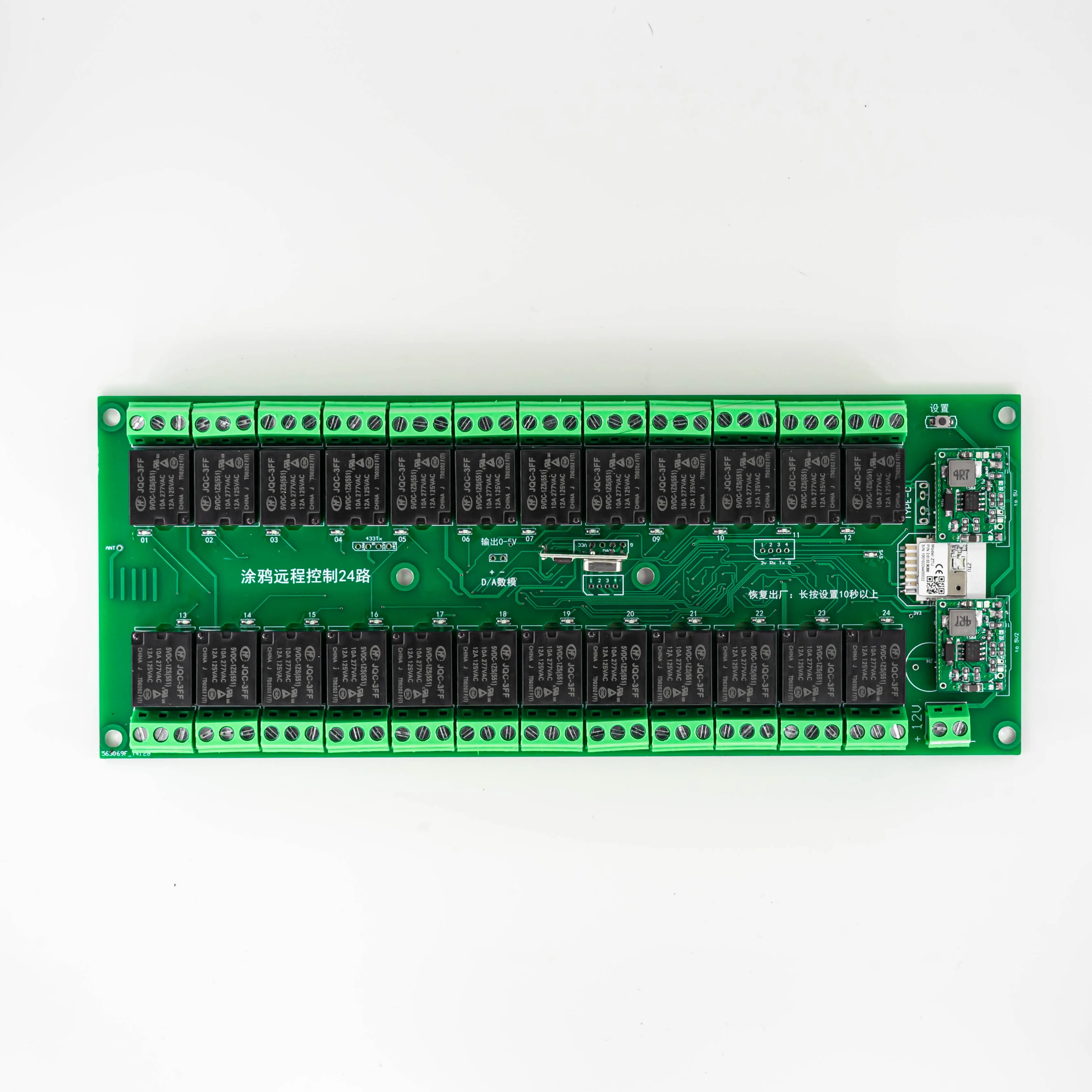
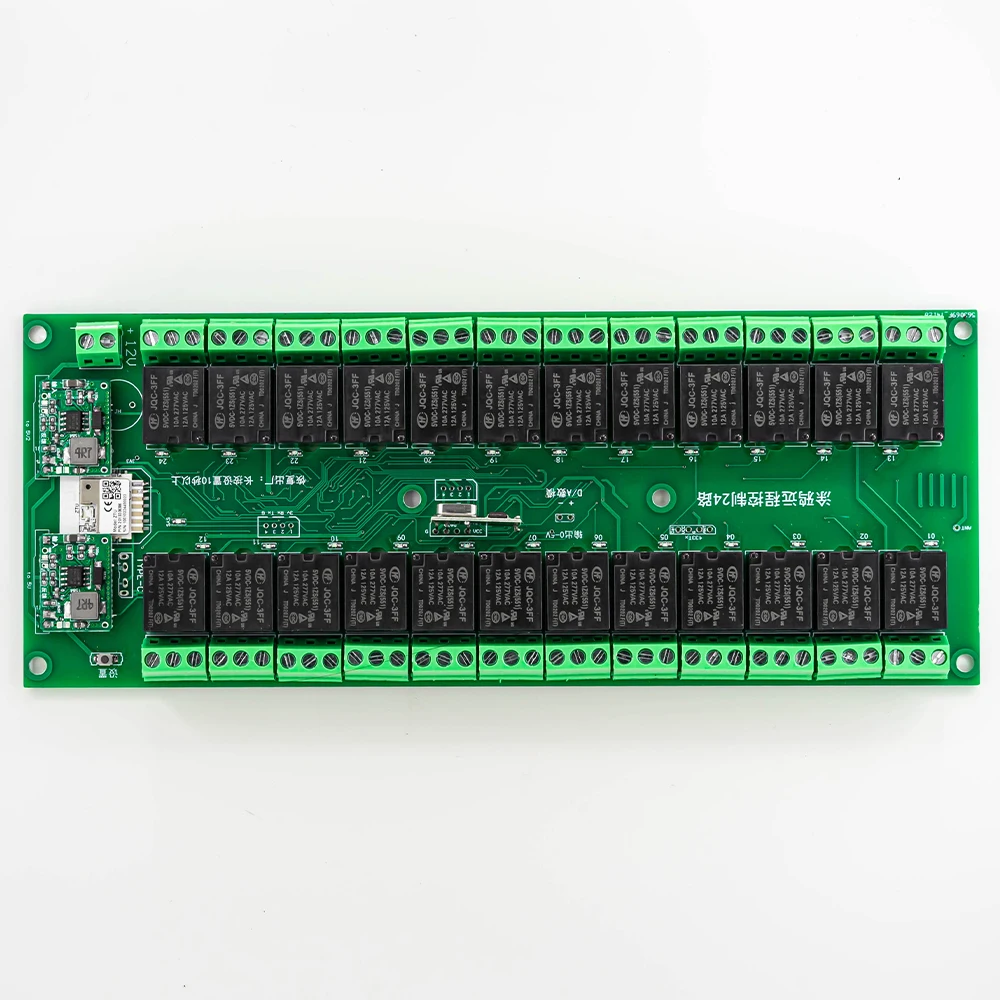
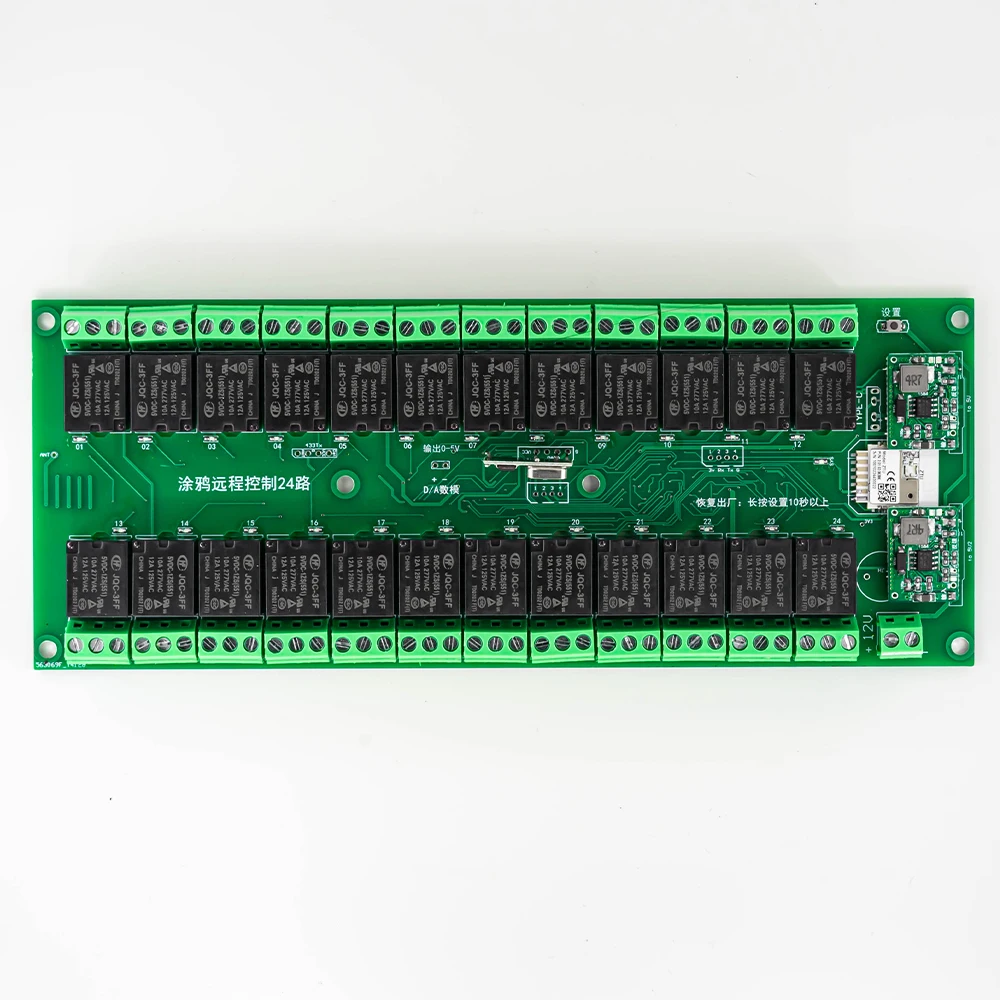
The circuit board setting button setting method supports remote control and 433mhz remote control as follows:
(Learning self-locking) Quickly press the “Setting” button 5 times, relay 1 flashes, (click the setting button to change the learning relay number), at this time, long press a key on the remote control to learn a key, you can continue to press all the keys, after the operation, you need to power off and restart;
Interlock setting instructions: (requires Tuya APP setting)
●Input 2 on the top and 2 on the bottom, which means channel 1.2. Interlock
●Input 3 on the top and 3 on the bottom, which means channel 1.2.3 interlock
●Input 10 on the top and 10 on the bottom, which means interlocking channel 1.2.3.4.5.6.7.8.9.10
●Input 4 on the top and 2 on the bottom, which means channel 1.2. Interlock, 3.4. Interlock
●Input 8 at the top and 2 at the bottom, which means 1-2 interlock, 3-4 interlock, 5-6 interlock, 7-8 interlock
●Input 10 at the top and 5 at the bottom, which means channel 1.2.3.4.5 interlock, 6.7.8.9.10. interlock
●Enter 0 above and 0 below, indicating no interlock
【Jog setting】
It needs to be set by Tuya APP, and the jogging time range is 1-999999999 milliseconds.
Jog setting instructions:
●Input 1 for the channel number, the current jog time of channel 1 will be displayed below, and the jog time can be changed such as 500 milliseconds.
●Channel number input 2, the current jog time of channel 2 will be displayed below, and the jog time can be changed such as 500 milliseconds.
●Jogging time input 0 means this channel does not jog, set other channels by analogy.
[Restore factory settings]
Press and hold “Settings” for 10 seconds, let go when the indicator light flashes quickly, and it’s done.


| Bundle | |
|---|---|
| Hign-concerned Chemical | None |
| Communication method | zigbee,RF,WI-FI |
| Camera Equipped | No |
| State of Assembly | Almost Ready |
| Model Number | Wireless Remote Control Switch |
| Compatibility | All Compatible |
| Brand Name | LLXLJY |
| Origin | Mainland China |
| Certification | none |
Only logged in customers who have purchased this product may leave a review.
In stock
In stock











Reviews
There are no reviews yet.