



"Cubilia a nisi blandit sem cras nec
temport adipiscing rku ullamcorper ligula."
JOHN DOE / CEO Elessi
$912.48
In stock
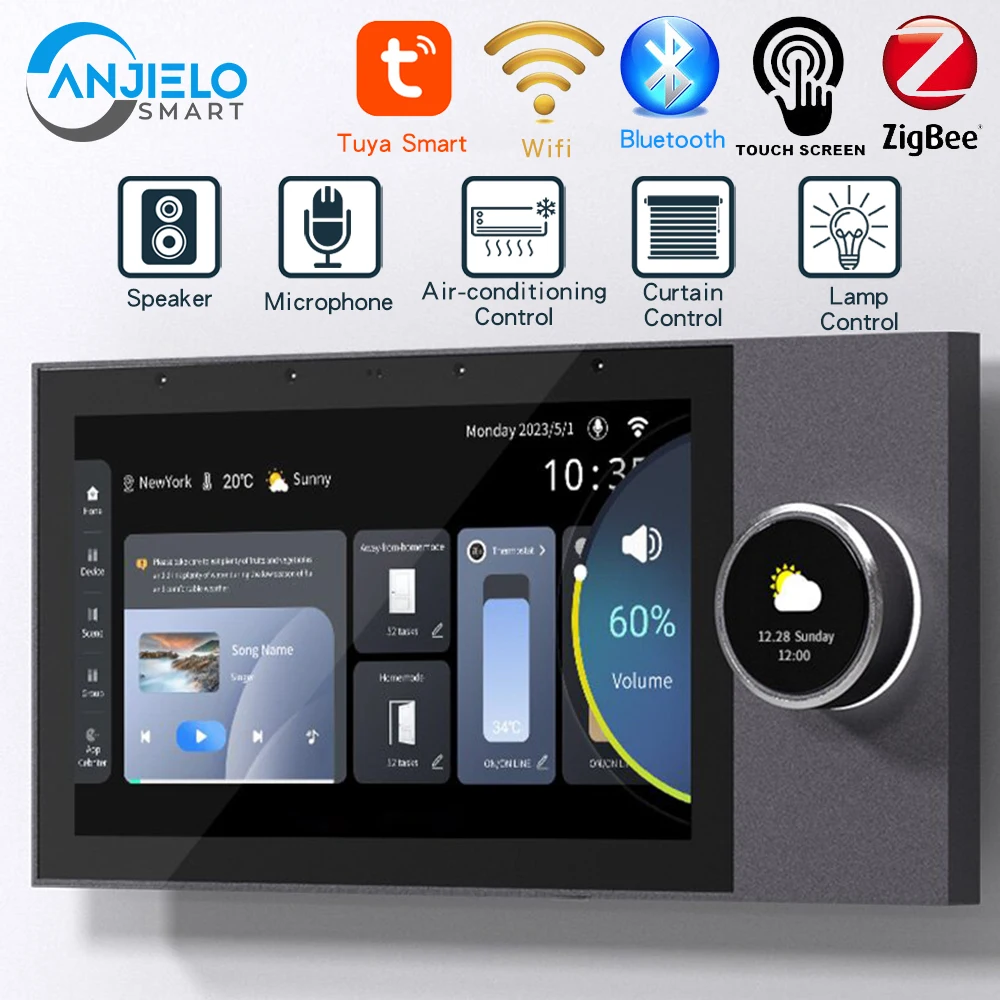
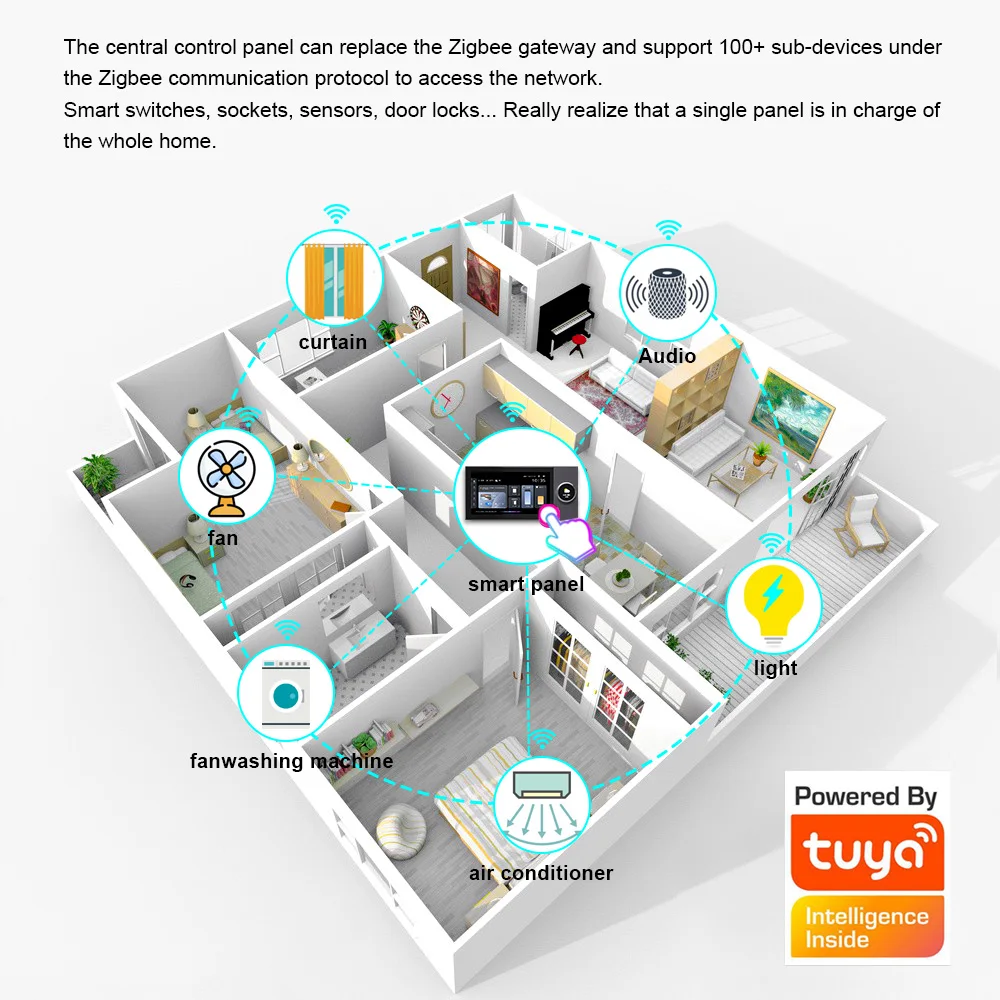
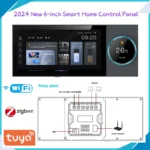
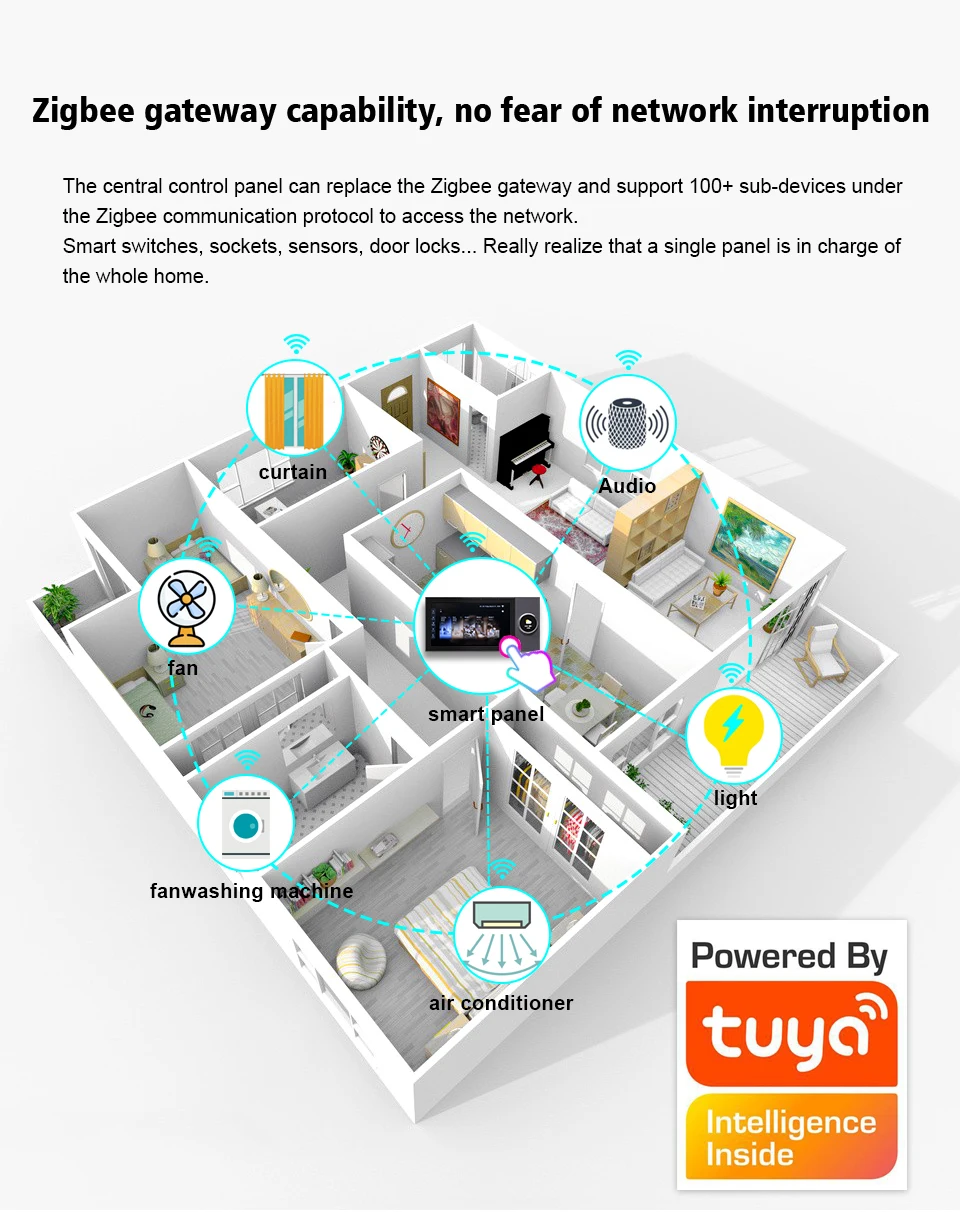
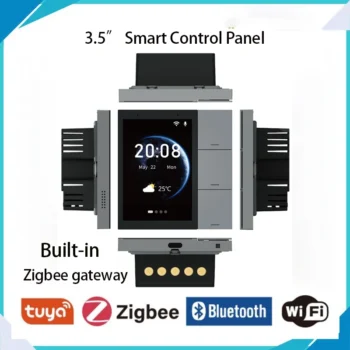
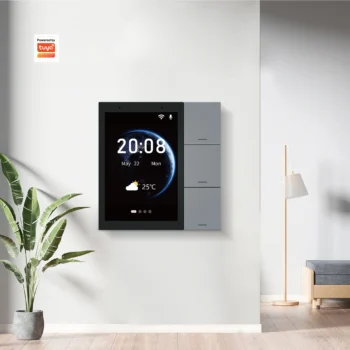
Turn your simple home into a smart home with Tuya Smart Home Control Panel
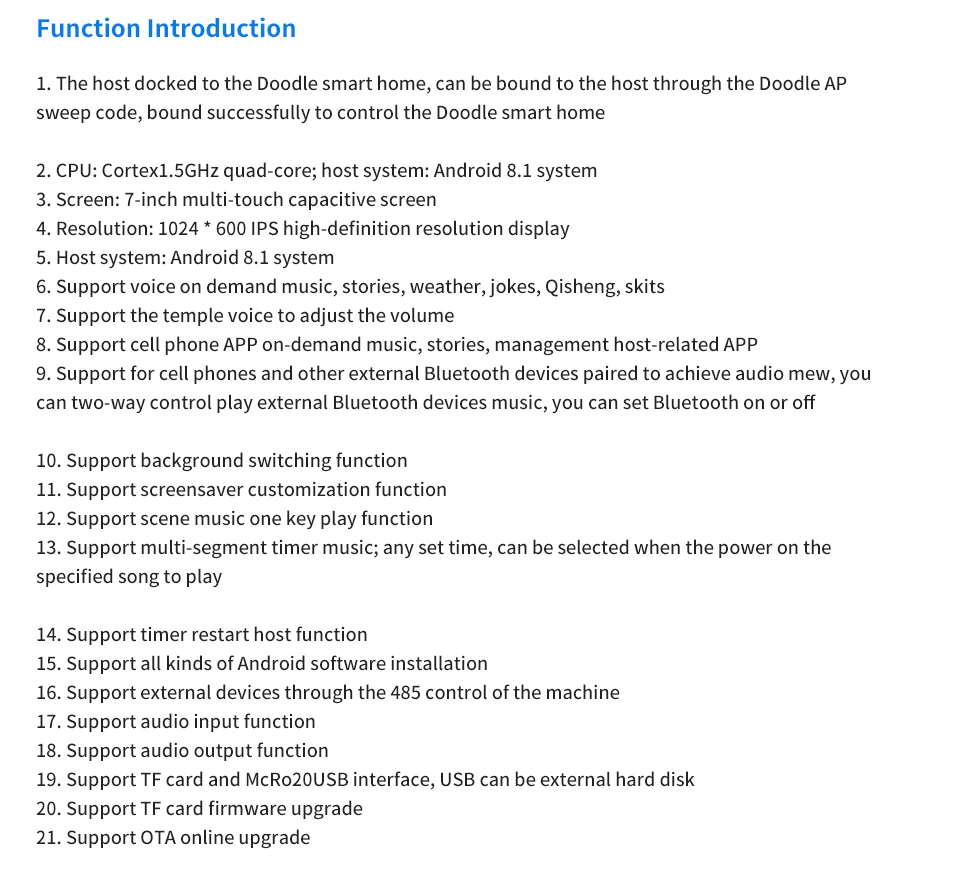
Function Introduction
1. The host docked to the Doodle smart home, can be bound to the host through the Doodle APsweep code, bound successfully to control the Doodle smart home
2.CPU: Cortex1.5GHz quad-core; host system: Android 8.1 system
3.Screen: 7-inch multi-touch capacitive screen
4. Resolution: 1024* 600 IPS high-definition resolution display
5. Host system: Android 8.1 system
6. Support voice on demand music, stories, weather,jokes, Qisheng, skits
7. Support the temple voice to adjust the volume
8. Support cell phone APP on-demand music, stories, management host-related APp
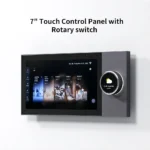
9. Support for cell phones and other external Bluetooth devices paired to achieve audio mew, youcan two-way control play external Bluetooth devices music, you can set Bluetooth on or off
10. Support background switching function
11. Support screensaver customization function
12. Support scene music one key play function
13. Support multi-segment timer music; any set time, can be selected when the power on the
specified song to play
14. Support timer restart host function
15. Support all kinds of Android software installation
16. Support external devices through the 485 control of the machine
17. Support audio input function
18. Support audio output function
19. Support TF card and McRo20USB interface, USB can be external hard disk
20. Support TF card firmware upgrade
21.Support OTA online upgrade
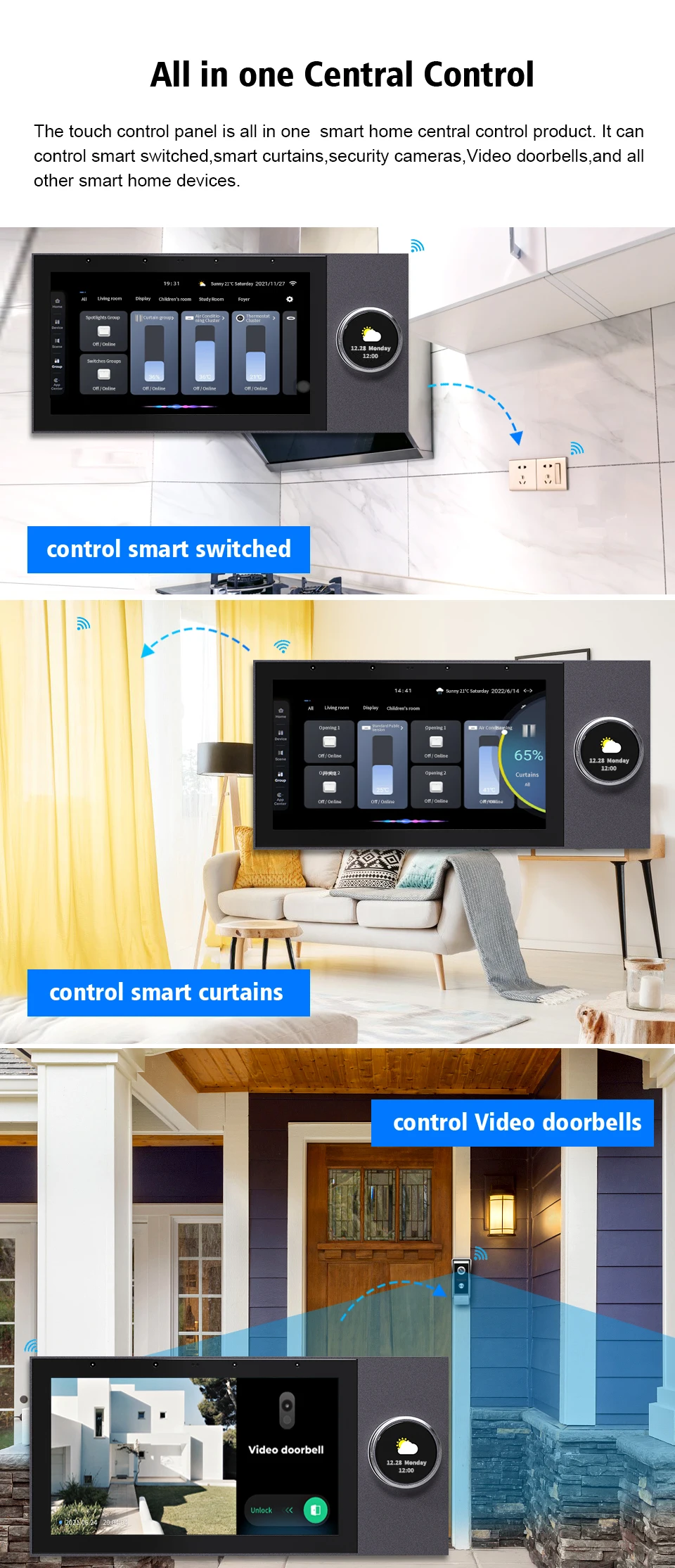
22. Support for connecting video doorbell.Two-way intercom between the control panel and the video doorbell.
23. Built-in speaker and microphone
24. Support bluetooth to accept, mobile phone to play music synchronously.Bluetooth can only receive functions, not transmit.(Bluetooth is the receiver signal)
External interface description:
1. TF card: Insert an external TF card.
2. MICRO USB: external U disk; for upgrading
3. Power button: Long press to power on/off/restart, short press to lock screen/unlock
4. Built-in 2W small speaker.
5. Wired network.
6. Power terminal: connect to AC220V power supply.
7. 485 interface: Connect 485A+485B to control background music through external equipment. You can also control other 485 devices through this host
8. Trigger playback: connect to GND+ON to trigger playback of music
9. Trigger the doorbell: connect GND +DB to trigger the doorbell
10. Audio input line: audio line (three-core shielded line: commonly known as microphone line), RVVP2X0.5, RVVP2X0.75, connected to AUX L+AUX R+GND. External audio input.
11. Audio output: audio cable (three-core shielded cable: commonly known as microphone cable), RVVP2X0.5, RVVP2X0.75, connected to OUT R + OUT L + GND, can be connected to other power amplifiers.
12. Speaker: speaker cable (200 cores), RVH2X100, RVH2X200 connected to SPK L+ SPK L-, the speaker is less than 30W.
13. Speaker: speaker cable (200 cores), RVH2X100, RVH2X200 connected to SPK L+ SPK L-, the speaker is less than 30W.
14. Microphone: for voice radio.
15. Knob: According to the software design, the lighting, air conditioning, curtains, volume, etc. can be adjusted. (Only supports devices that can adjust the percentage) The default is to adjust the volume when turning on the knob for the first time. When turning or pressing, a dialog box will pop up to remind you to add the device that needs to be controlled. At this time, click Add to select the device that can be quickly controlled.
SMART HOME ONE CLICK ON

Supported TUYA devices
switch
scene switch
On-off device
dimmer switch
socket
curtain
curtain switch
RGB lights
RGB light strip
air conditioner
air conditioner controller
thermostat
video doorbell
video camera


 Bluetooth can only receive functions, not transmit.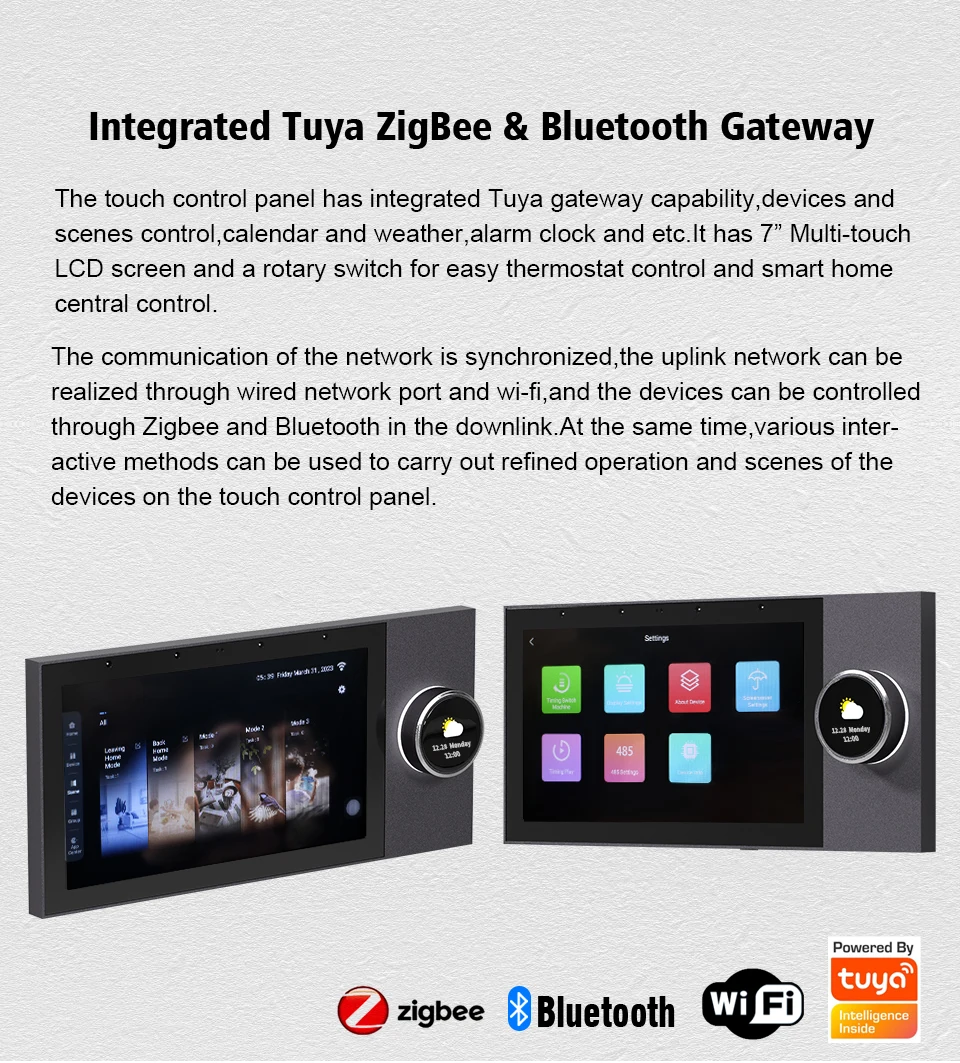


Only logged in customers who have purchased this product may leave a review.
In stock
In stock
In stock




Reviews
There are no reviews yet.